
Gerhman Suite.
Your user guide.
Gerhman Suite is a browser-based tool for selecting ceiling diffusers, swirl diffusers, jet nozzles, slot diffusers and ventilation grilles.
This guide explains what the Suite calculates, which products and standards it uses, and how to run a selection from room data to a PDF report.
Open Gerhman Suite →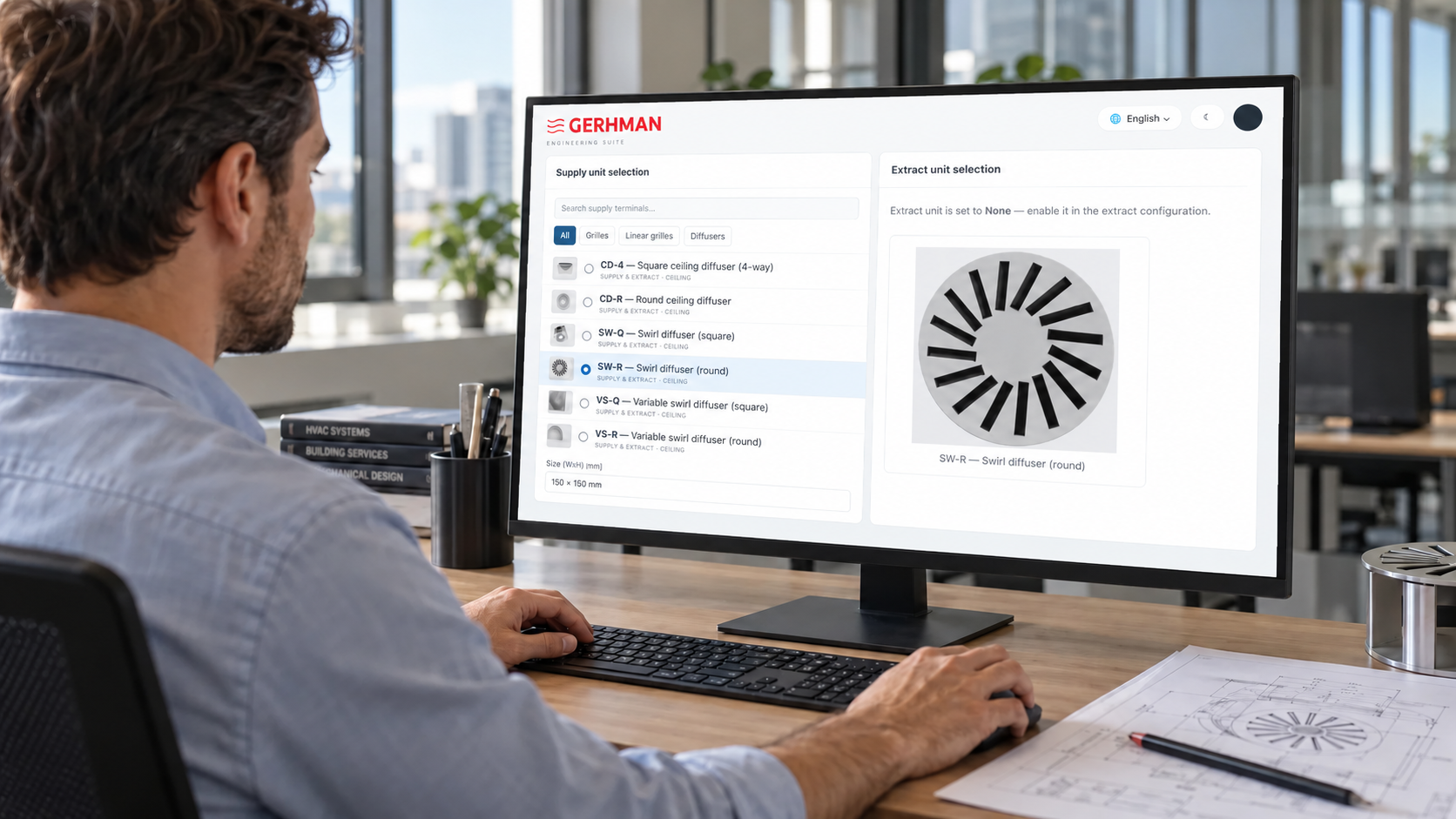
What can you do with Gerhman Suite?
Start with a product, work through its performance, and keep your selections together under your project.
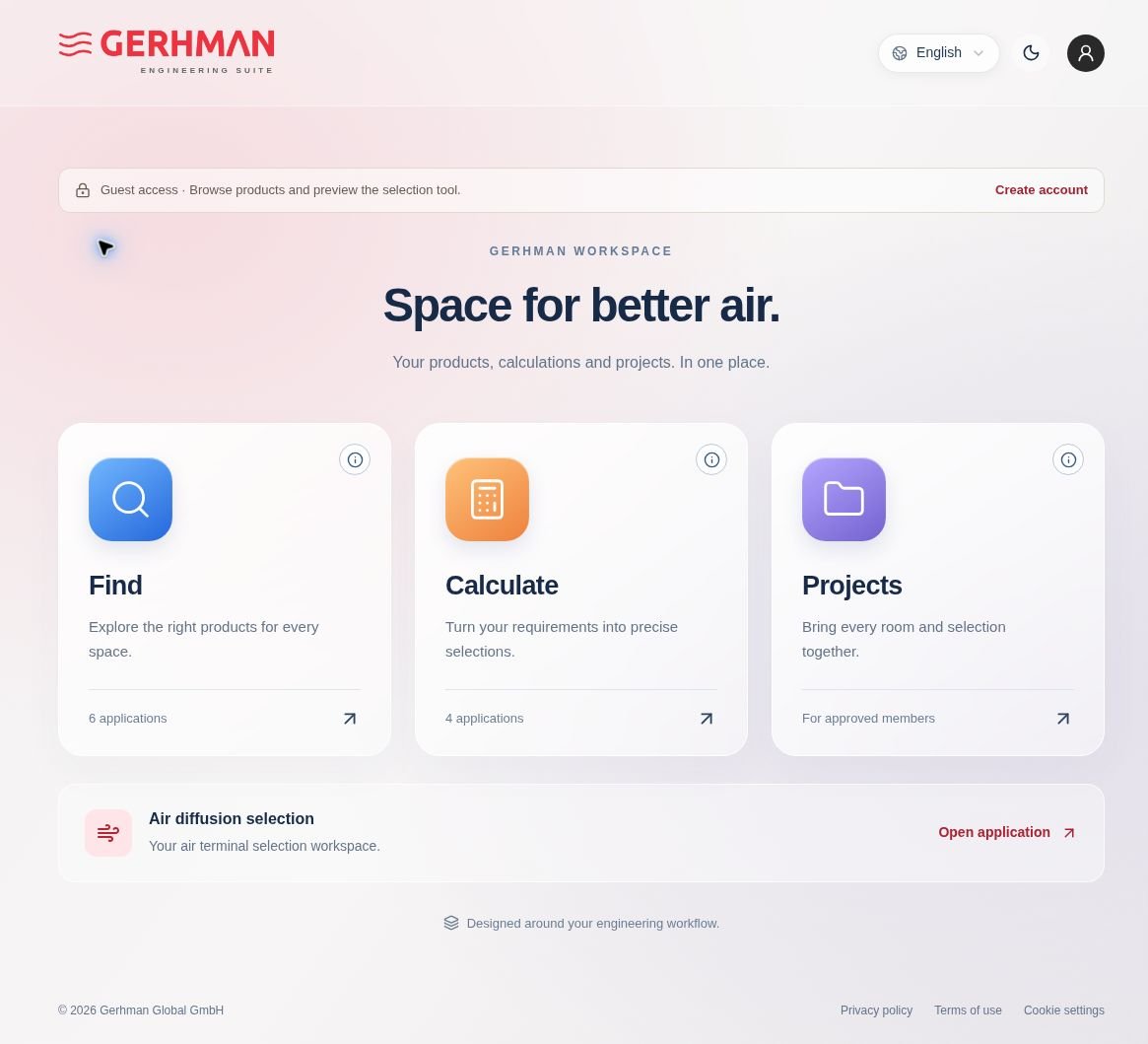
Find
Explore Gerhman products and review the options for your application. The product configurator is being developed within this area.
Calculate
Define the room and operating conditions, set the technical limits, and review performance calculations and airflow simulation.
Projects
Keep room information and product selections together under your project.
The equipment your space needs,
on one platform.
Suite is expanding to bring air distribution equipment, floor convectors, silencers and fans into the same engineering workspace.
Air distribution
Select grilles and diffusers for the room and operating conditions.
Floor convectors
Heating and cooling selection for your space.
Silencers
Product selection for acoustic and airflow requirements.
Fans
Fan selection for the required airflow and pressure.
Available functions depend on the application and model. More models and selection options are being added.
From the model
to the detail.
Explore the products, then review their available selection and configuration options.
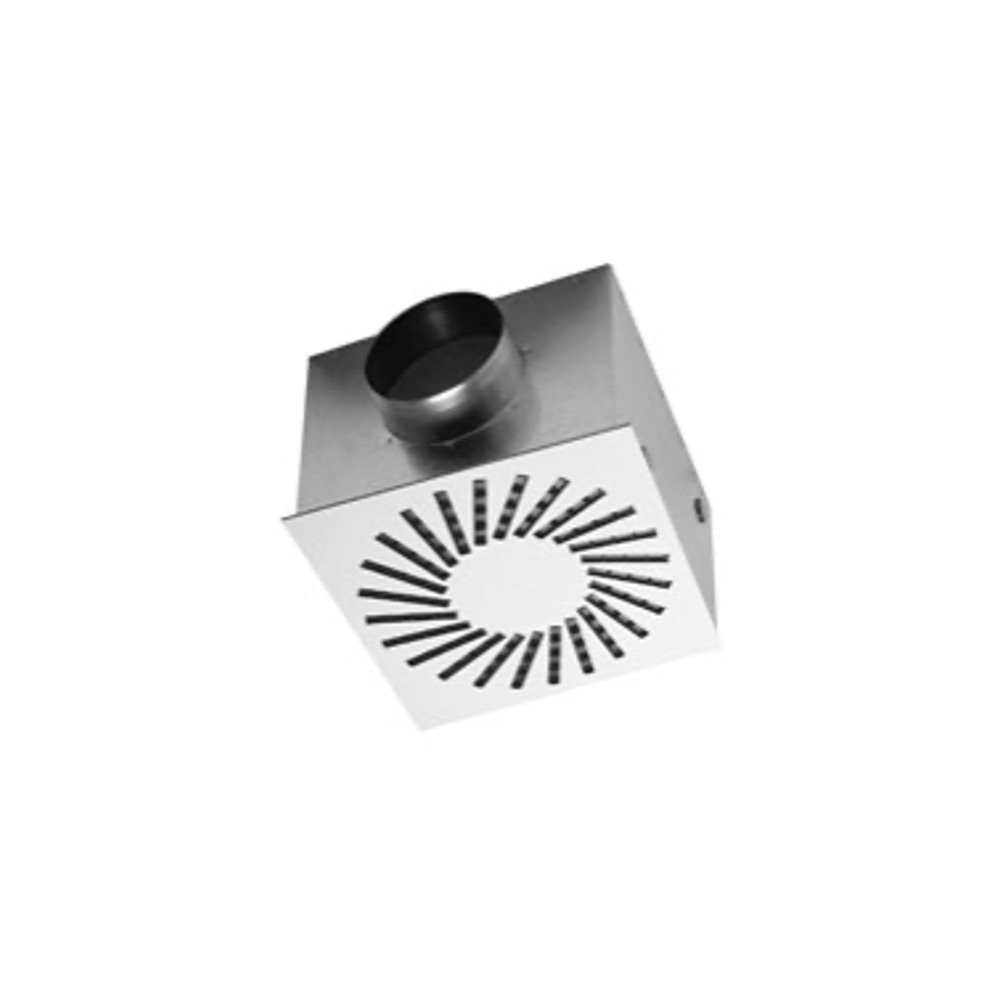
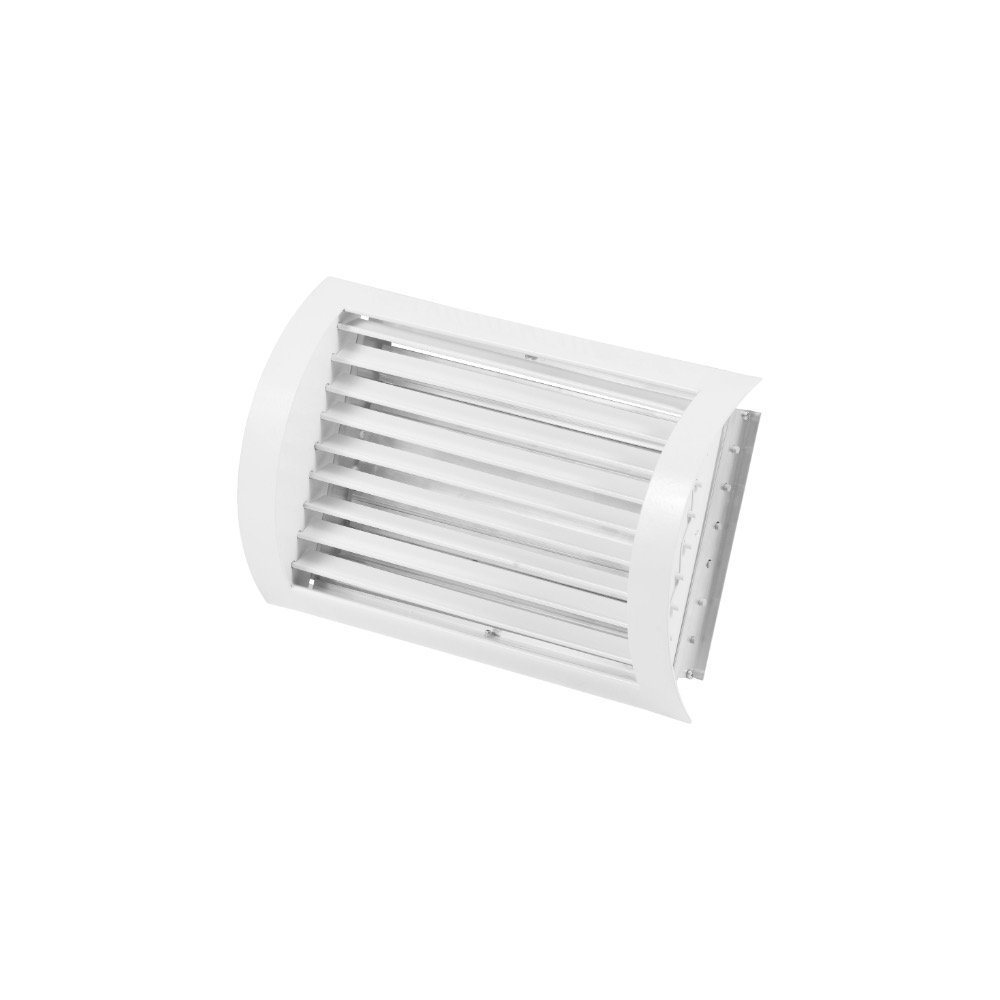
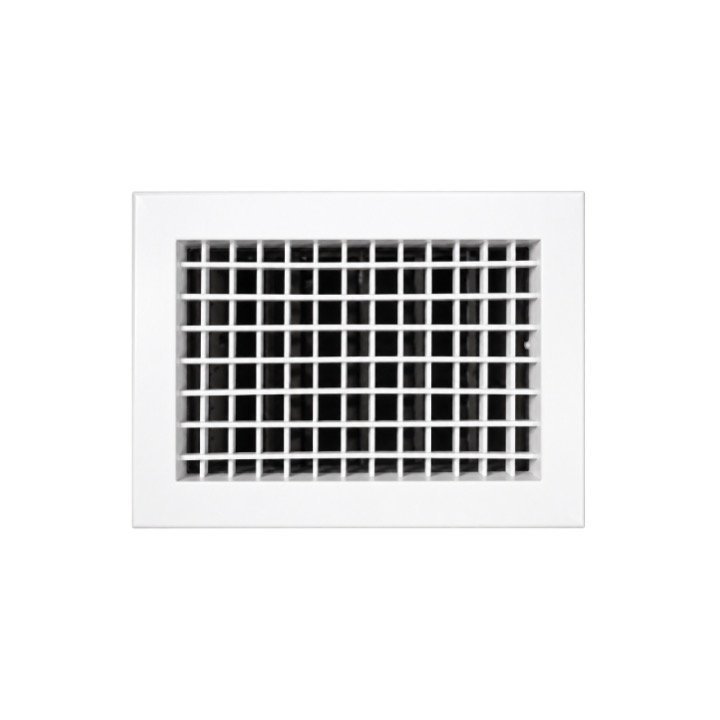
Explore product
options in 3D.
Development previewDimensions, product options and a 3D view, together. See how dimension and blade-angle changes are represented on the Rho-S grille.
Options vary by model.
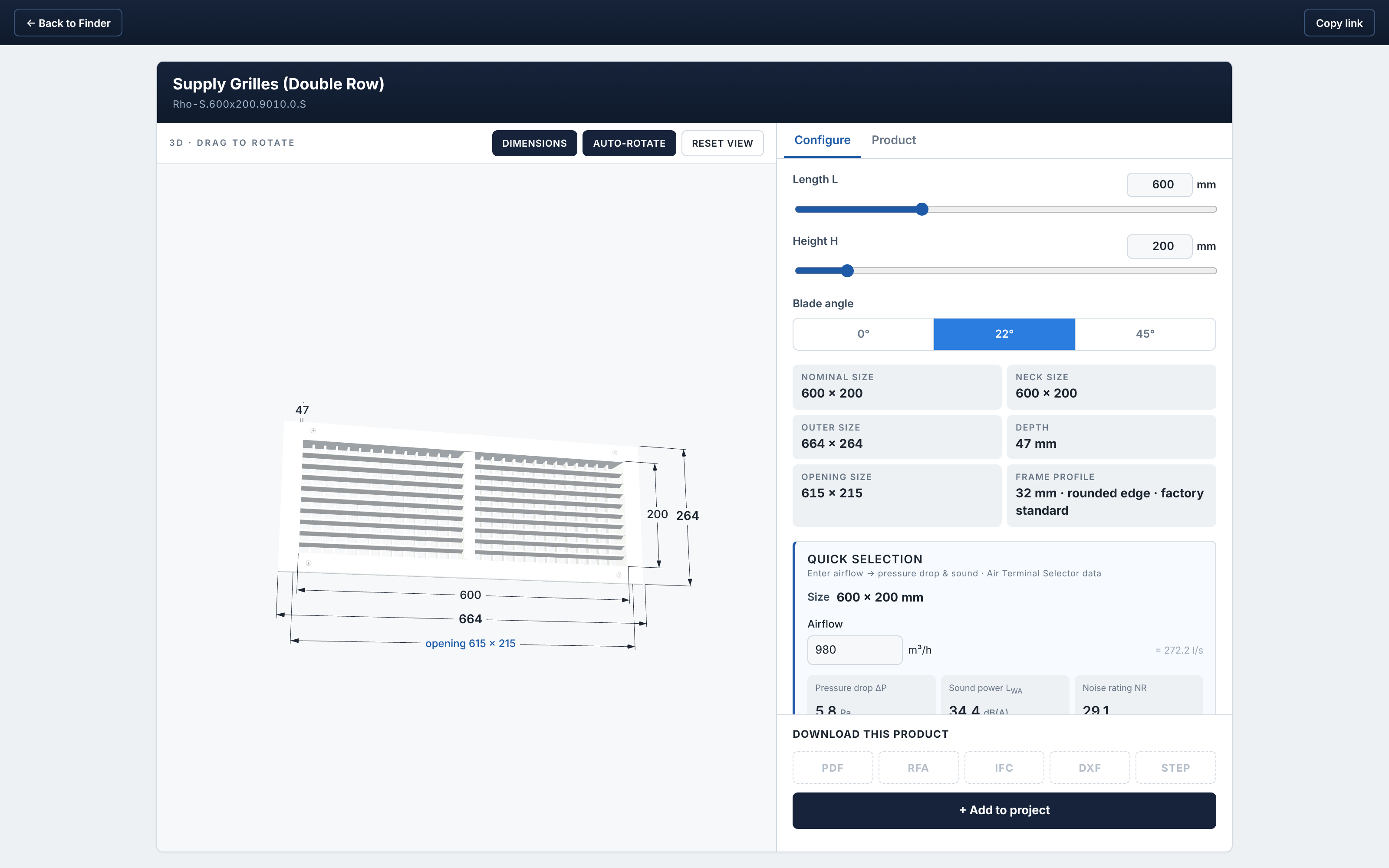
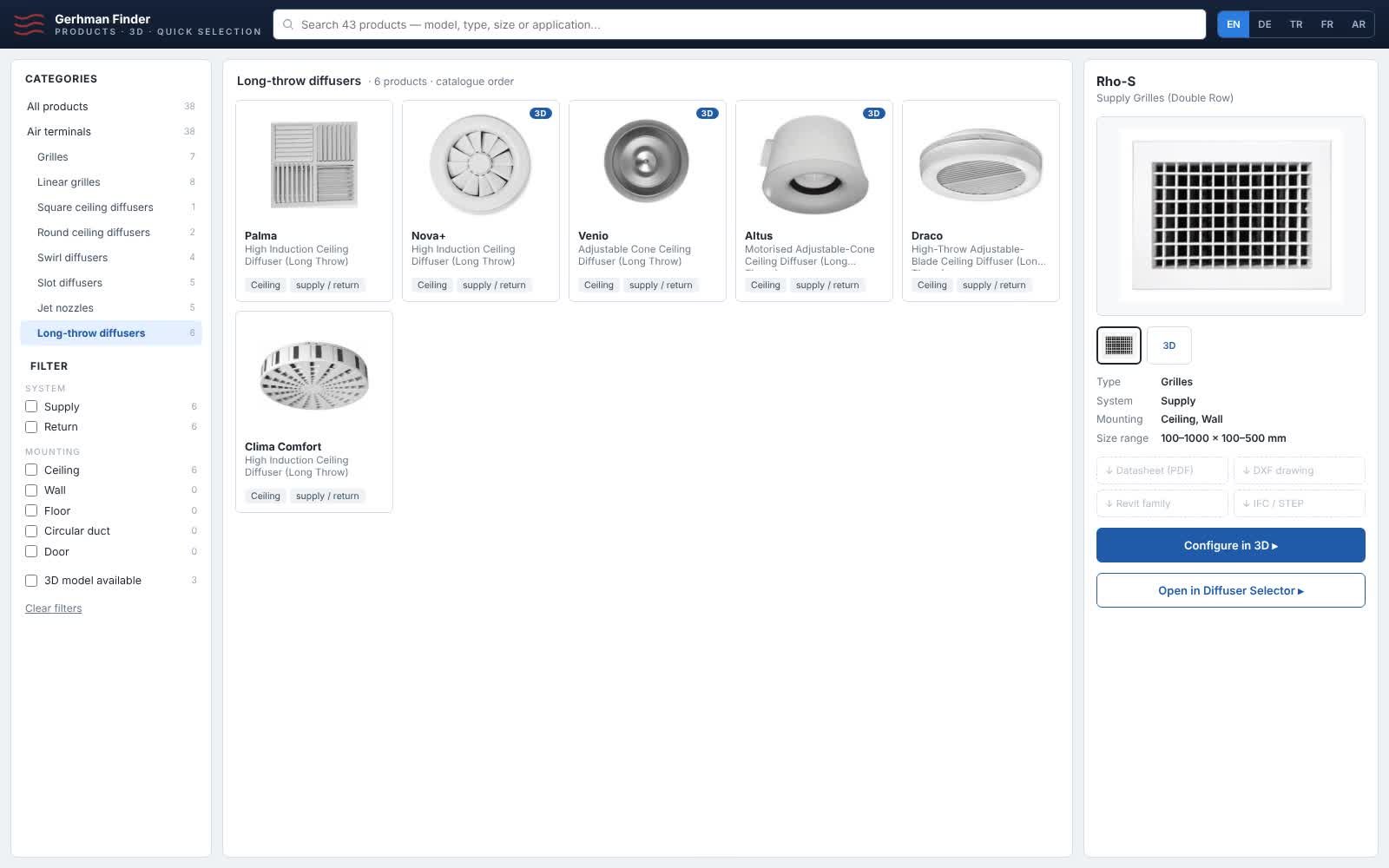
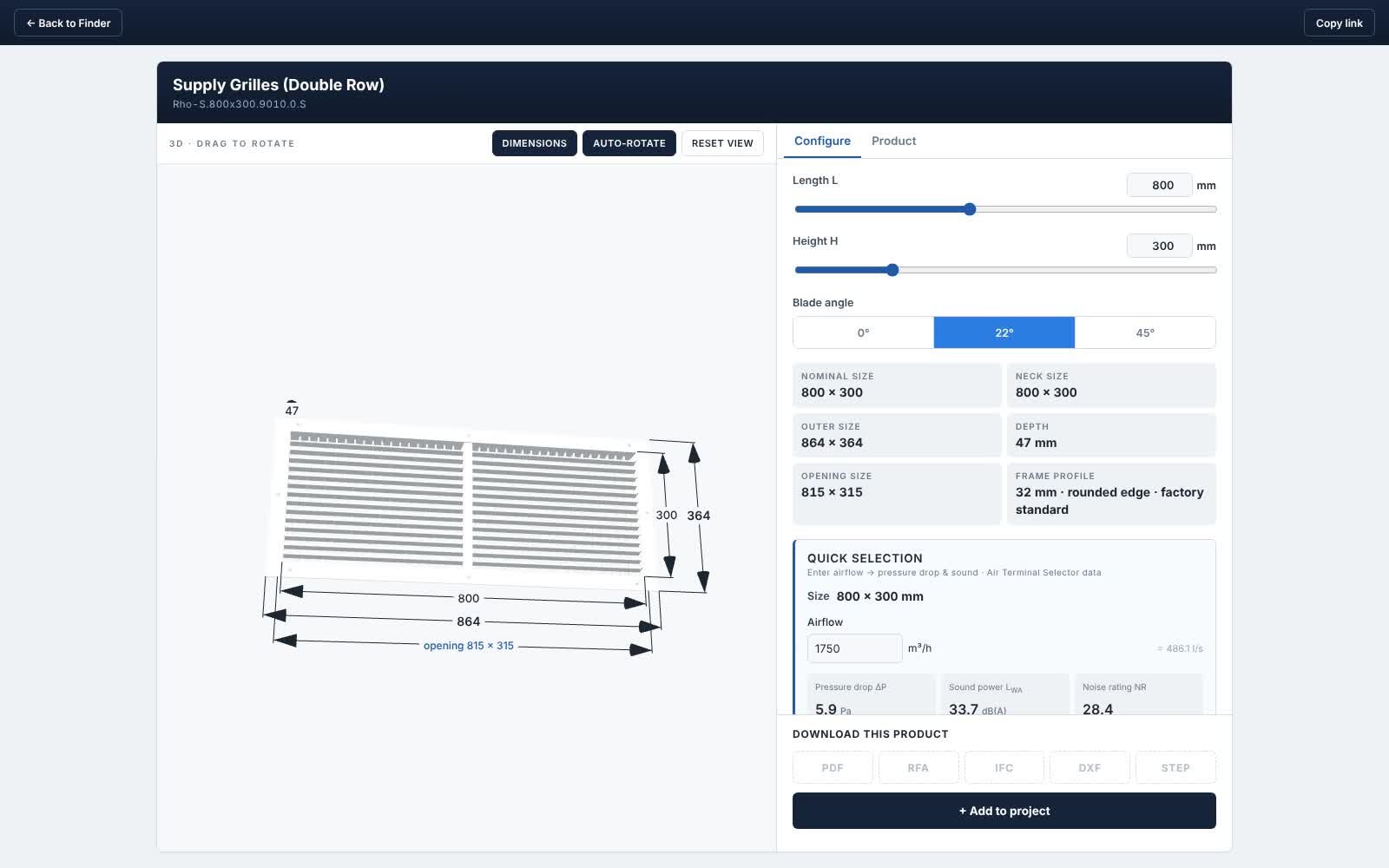
Static captures from the product demonstrations. Interface language: English.
From room data to a selection.
Use the available Air diffusion application to define your conditions and check the selected model and size.
Open Suite
Sign in with an activated account, or explore the available guest features.
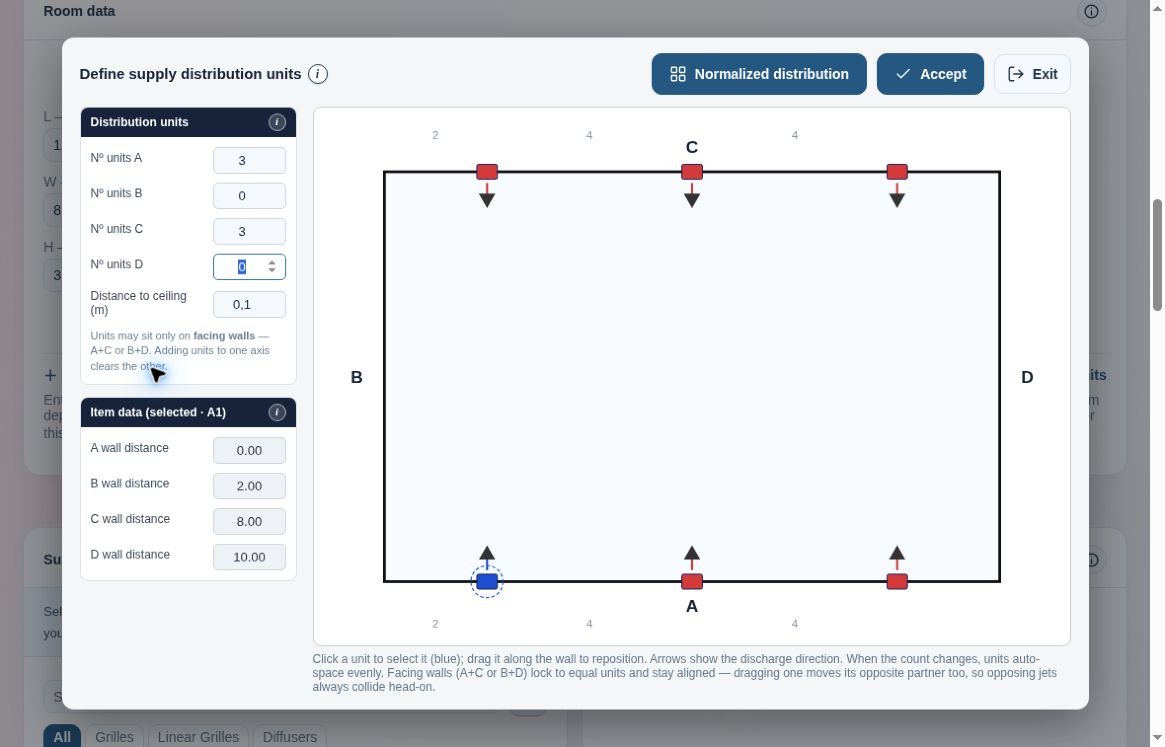
Define the room
Enter the room dimensions, product location and mounting height.
Enter air data
Set airflow, supply-air temperature and room temperature.
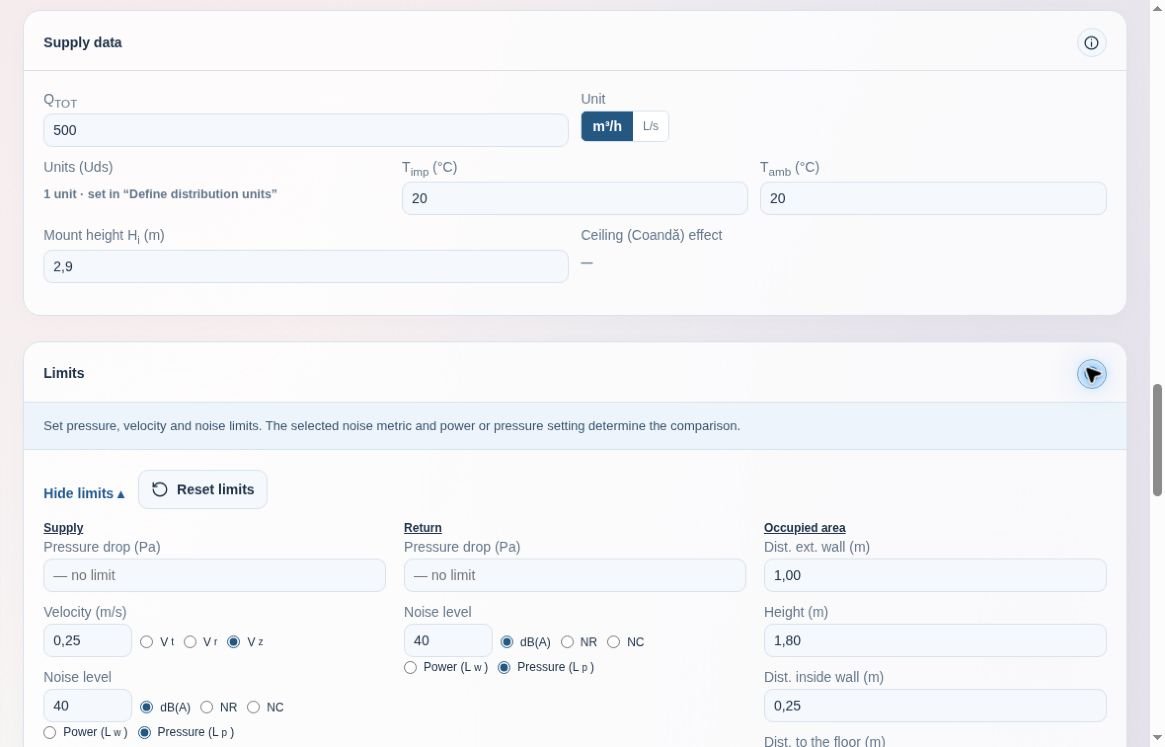
Set the technical limits
Define the pressure-drop, velocity and sound criteria for your project.
Select a model and size
Auto select checks sizes within your selected model. Use Manual mode to specify the size.
Review and save
Review performance and airflow views, save your selection and download the PDF report.
Review the airflow in your space.
Assess the selected product under the conditions you entered. Review product placement and air distribution together.
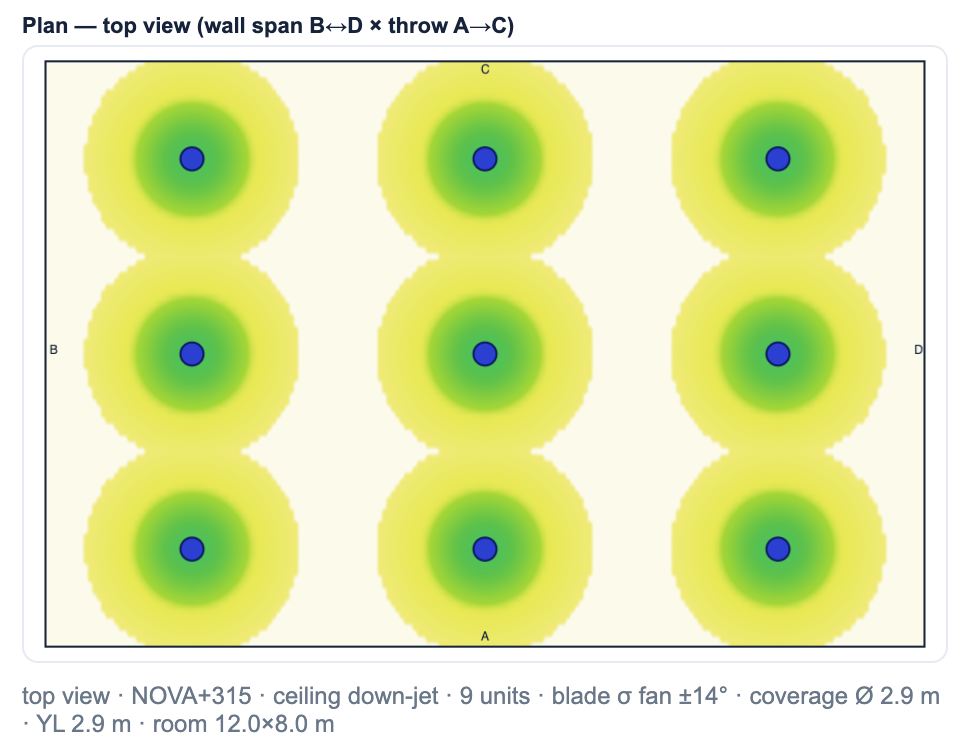
Plan view
Example air distribution for a NOVA+ diffuser layout.
View full size ↗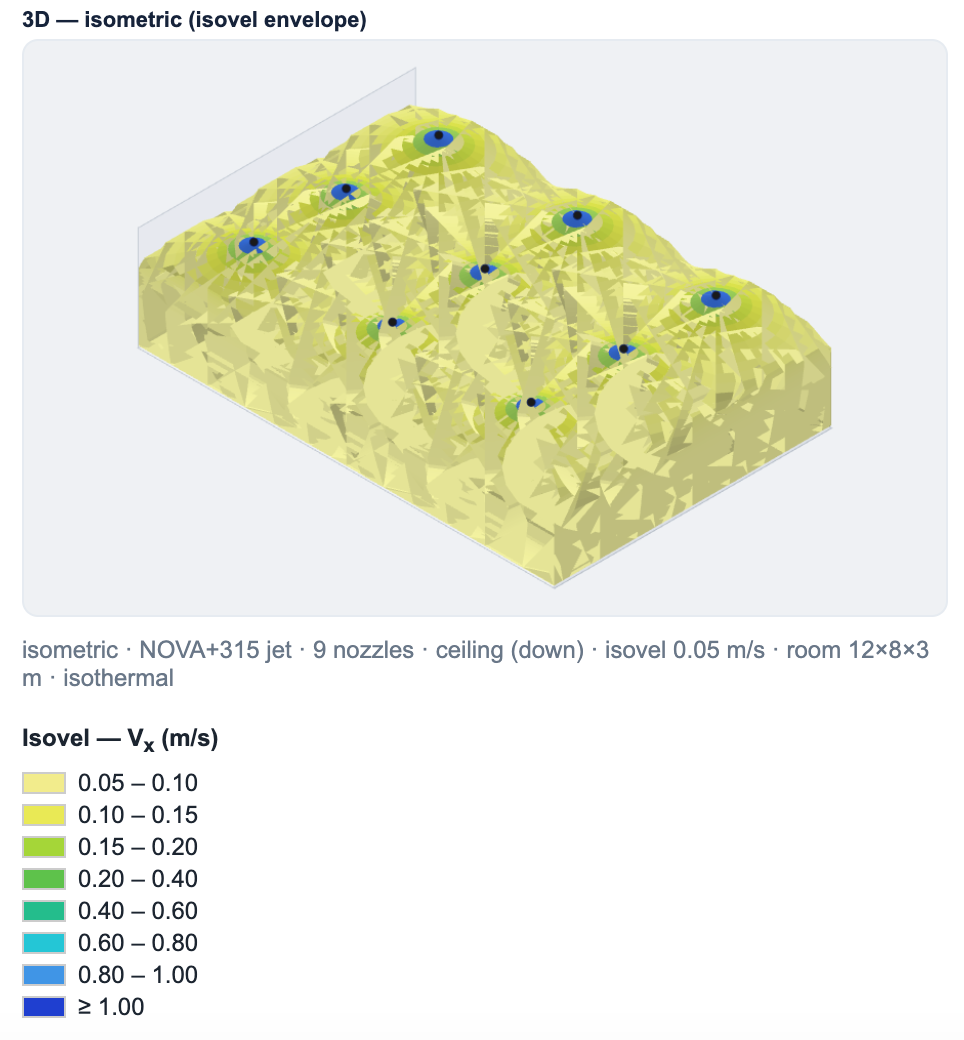
Three-dimensional view
Example isovel view with the original velocity colour scale.
View full size ↗Check the results against product documentation, room conditions and installation requirements. Use consistent pressure, velocity and sound criteria. Sound power and sound pressure, and dB(A), NR and NC ratings, should not be treated as interchangeable.
Software calculation examples. The displayed conditions are specific to these selections.
Keep your selections
with your project.
Organise rooms and product selections under a project so you can return to your work. Download a PDF report and add it to the project documentation.
Report length and content depend on the selection and the available reporting functions.
Explore as a guest.
Browse products and prepare the available selection inputs.
Calculate, report and save.
An activated account is required for calculated results, airflow simulation, PDF reports and project saving.
07 / Frequently asked questionsStart with the right questions.
What can I do with Gerhman Suite?
Suite brings product selection, performance calculation, airflow simulation and project work together. Air distribution is the currently available selection application; further applications are being developed.
Can I explore Suite without an account?
Yes. Guest access provides product browsing and available input views. Calculated results, simulation, PDF reports and project saving require an activated account.
Which diffuser should I choose for an office?
Start with airflow, ceiling height, installation position, heating and cooling conditions, and the project’s sound and comfort criteria. There is no single diffuser that suits every office. Use the available application to assess the selected model and size against these requirements.
Does Auto select compare all diffuser models?
Auto select checks sizes within the model you have selected. It should not be described as a comparison of every model in the catalogue.
What information is needed to select a floor convector?
A selection typically needs the required heating or cooling duty, water temperatures, room conditions, available dimensions and whether fan-assisted operation is required. The floor convector application is a planned addition; contact Gerhman for current product-selection support.
Can I select floor convectors in Suite now?
Floor convector selection is part of the expanding platform scope. Check the application’s availability in Suite before starting; a preview or planned module does not mean the calculation is released.
How should I choose a ventilation silencer?
Consider the required attenuation by frequency, airflow, available space, allowable pressure drop and regenerated noise. Overall sound-level reduction alone is not enough to determine the correct silencer.
Can Suite calculate silencer performance?
Silencer selection is a planned application. Until it is released, use the relevant product documentation and contact Gerhman with the acoustic and airflow requirements.
Product Selection FAQs
Find answers to common questions about airflow, air distribution, room applications and filtration.
Find the help you need.
Product information, selection guidance and a direct route to our team.