
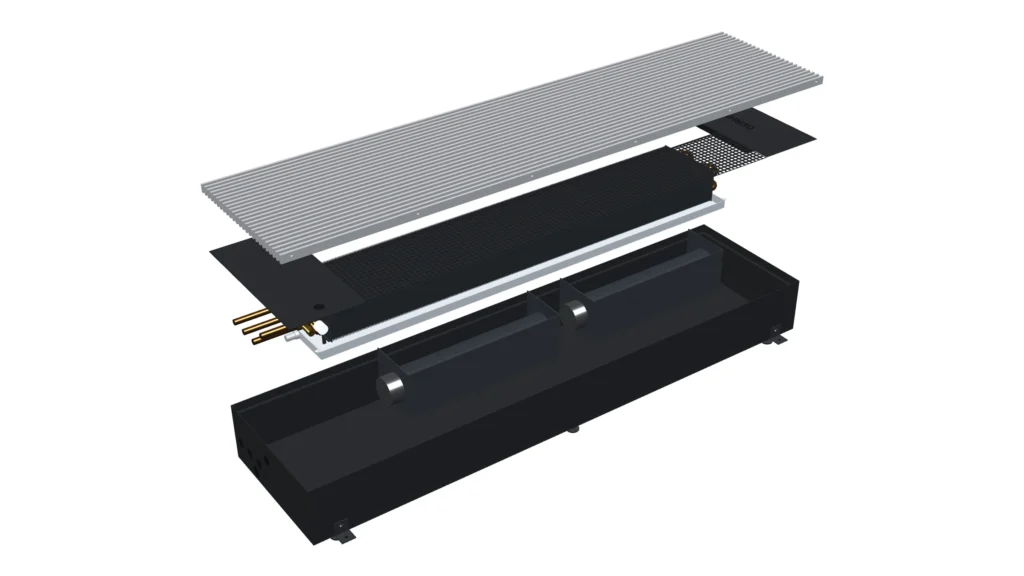
Selection for project conditions
The new Trench Convector Selection Module in Gerhman Suite brings product selection for heating and cooling requirements into one workspace. Users can assess the Modus, Modus XF and Modus HC ranges, review capacities and product lengths for their operating conditions, and add their selections to projects.
Capacity, dimensions and options together
The module supports selection by room load, unit load or manual selection. Results can be assessed using water inlet and outlet temperatures, room temperature and other product-specific parameters. Fan, connection and grille options offered by the selected model can also be included in the selection process.
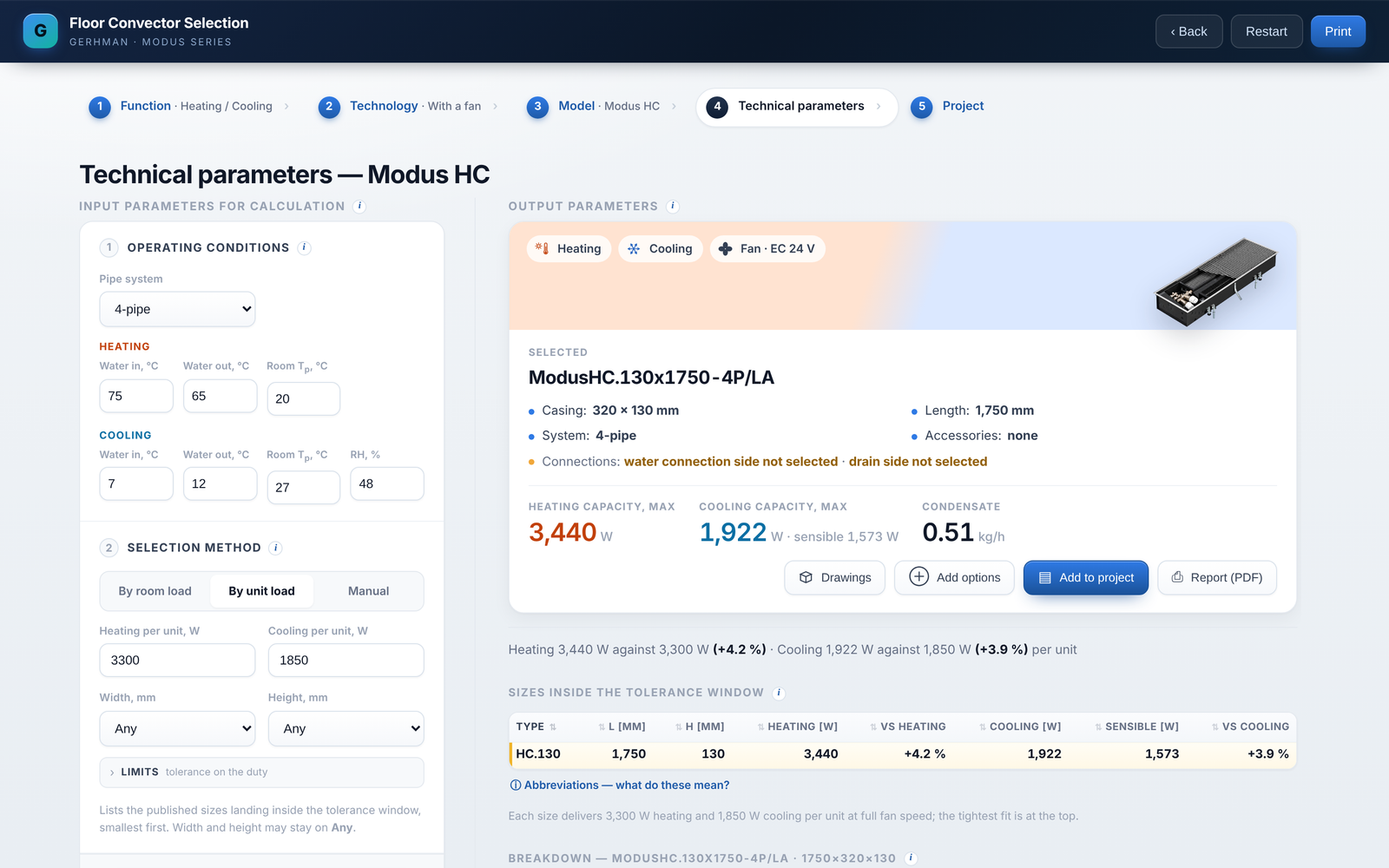
From 3D views to technical drawings
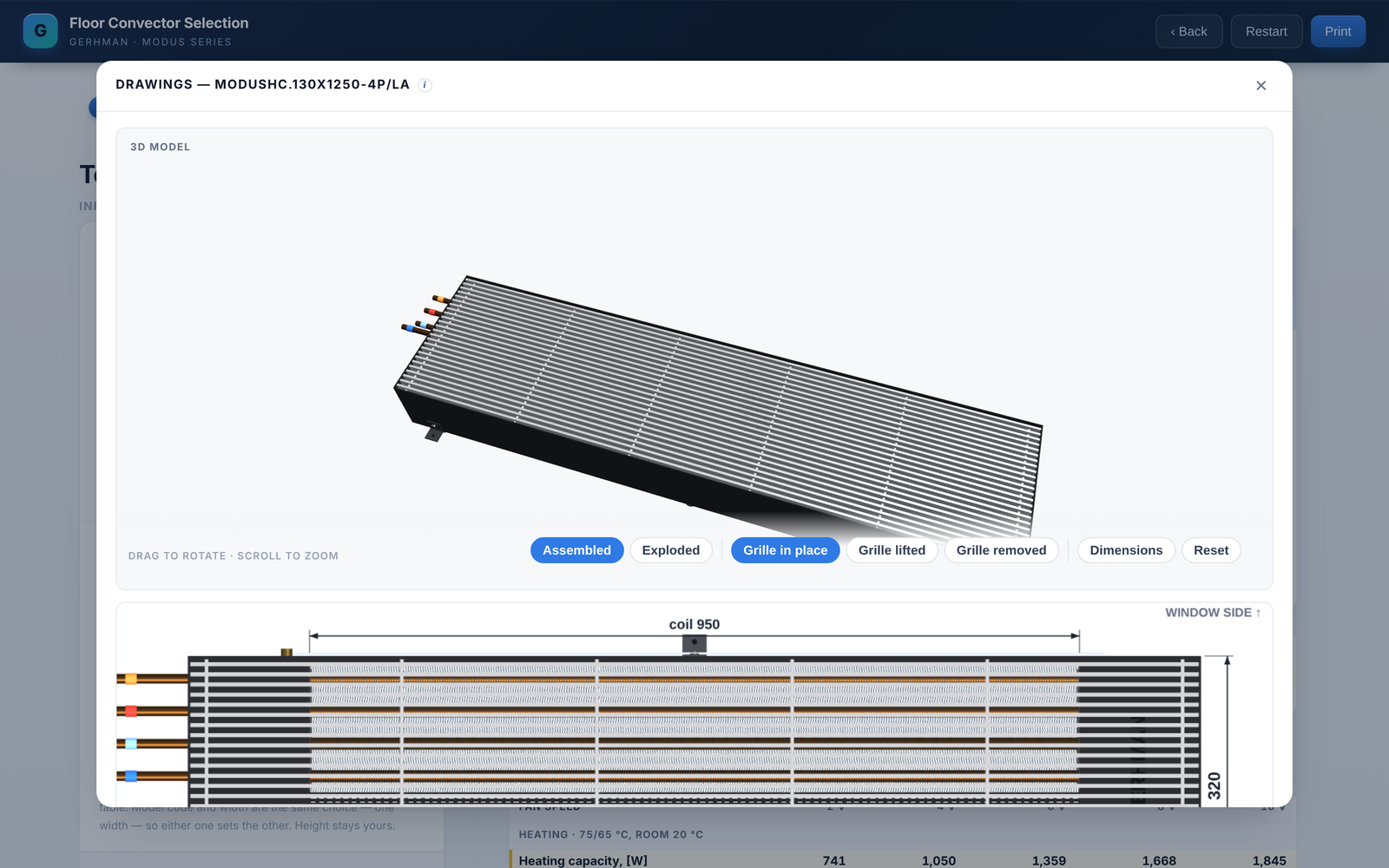
The selected product’s 3D model and dimensioned drawings can be viewed in the same interface. Assembled and exploded views help users assess the components and their arrangement. The animation on this page shows the Modus HC.130 model.
Bring selections together in a project
Trench convector selections can be grouped with other Gerhman products within the same project. This brings product assessment and the organisation of project selections together in Gerhman Suite.
Select your trench convectors in Gerhman Suite.
Account access and activation conditions are available through Gerhman Suite.