
Gerhman Engineering Suite
Ürünleriniz. Hesaplamalarınız.
Tek bir çalışma alanı.
Gerhman Engineering Suite; ürün keşfini, hava dağıtım ekipmanı seçimini ve proje çalışmalarınızı bir araya getirir.
Gerhman Suite'e gitMisafir olarak keşfedin. Sonuçlara ve projelere erişmek için onaylı bir hesap gerekir.
01 / Ürün keşfi
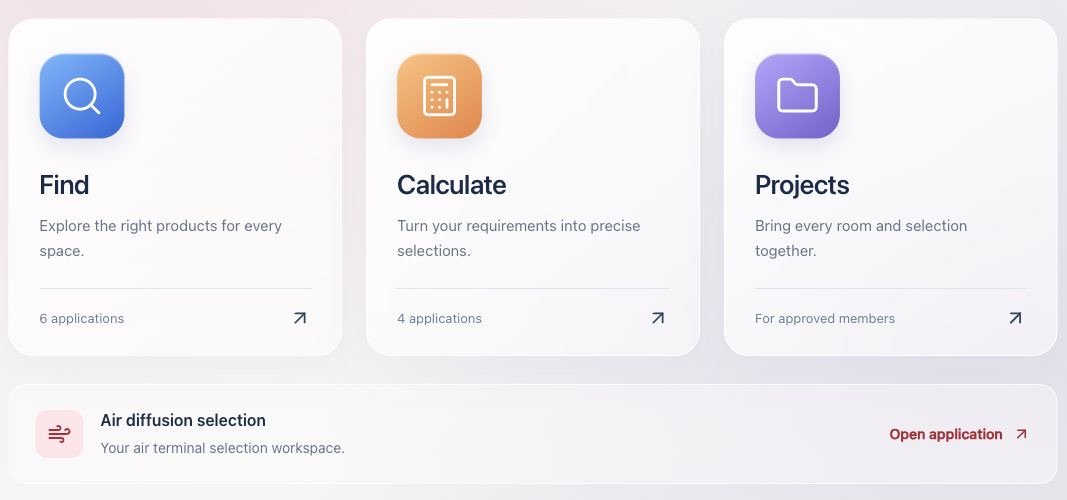
Bul
Gerhman ürünlerini keşfedin ve uygulamanıza uygun seçenekleri bulun.
02 / Mühendislik araçları
Hesapla
Mahal koşullarını, hava debisini ve ürün seçim ayarlarını tanımlayın.
03 / Proje çalışma alanı
Projeler
Mahalleri ve ürün seçimlerini bir araya getirin. Onaylı hesabınızla çalışmalarınızı kaydedin.
Hava dağıtım ekipmanı seçimi
Seçime mahalinizin
koşullarıyla başlayın.
Seçiminizi mahal koşullarına, havalandırma yaklaşımına ve montaj konumuna göre yapılandırın.
- Mahal boyutlarını, üfleme hava debisini ve sıcaklıkları girin.
- Karışımlı veya deplasmanlı havalandırmayı ve ürün yerleşimini inceleyin.
- Onaylı hesabınızla hesaplama sonuçlarını görüntüleyin ve sonuçları PDF olarak indirin.
Gerhman Suite'i keşfedin.
Misafir olarak ürünleri ve seçim ayarlarını inceleyin. Sonuçları görüntülemek ve projeleri kaydetmek için onaylı bir hesap gerekir.